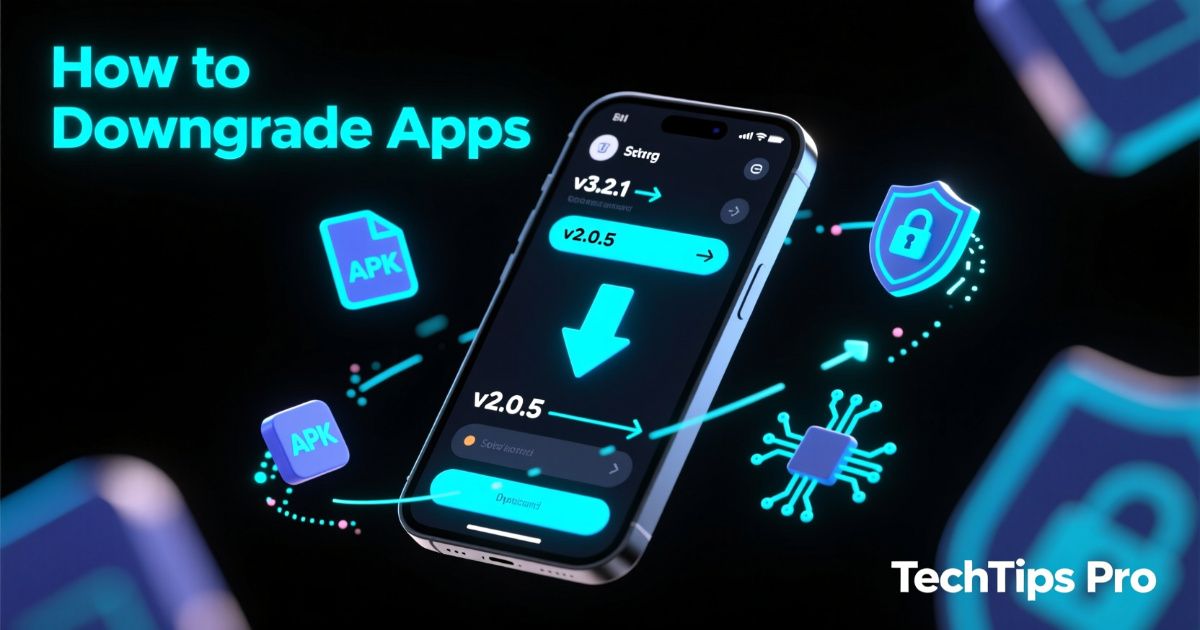
In 2026, downgrading Android apps has become more common than ever.
Many users switch back to older versions because:
- new updates remove features
- apps become slower
- UI changes are frustrating
- new restrictions limit MOD APK usage
- bugs appear after updates
- ads increase suddenly
But there’s one problem: downgrading normally erases your app data.
The good news?
You can safely downgrade without losing data — even without root — if you follow the right steps.
This guide explains the safest 2026-approved methods to downgrade any Android app while keeping all your data intact.
Why People Downgrade Apps in 2026
Here are the most common reasons users downgrade apps today:
New update breaks a MOD APK
Many MOD APKs stop working after Play Store updates.
App becomes slower
New versions are often heavier.
Annoying UI changes
Users prefer old designs of apps like Instagram, YouTube, and Facebook.
New update introduces ads
Popular for streaming apps and games.
Compatibility issues
Older phones may struggle with new versions.
Downgrading solves all these issues — if done properly.
Important Warning Before Downgrading
If you uninstall the updated version normally, Android will delete your data folder, and everything will be lost.
So you must use special downgrade methods to protect your data.
Method 1: Downgrade Using APKMirror Installer (Safest for 2026)
APKMirror Installer supports:
- APK
- XAPK
- APKS
- Split APKs
- Bundles
And allows installation on top of the existing version without deleting data.
Steps:
- Install APKMirror Installer from the Play Store
- Download the older version of the app from APKMirror
- Open the file inside the APKMirror Installer
- Tap Install package
- Choose Install over existing version
- Complete installation → your data stays untouched
Why This Works
APKMirror Installer forces a version downgrade install, skipping the data wipe.
Method 2: Using Split APKs Installer (SAI)
Perfect for MOD APKs + Android App Bundles.
Steps:
- Install SAI (Split APKs Installer)
- Export or download the older version (APKS/XAPK)
- Open the file in SAI
- Enable “Sign APK before install”
- Install over the current version
- Your data stays safe
Best For:
- MOD APK users
- Games with OBB/APK bundles
- Apps that auto-update to incompatible versions
Method 3: ADB Rollback Install (Advanced, No Root)
Works on Android 12–16 in 2026.
Steps:
- Enable Developer Options
- Enable USB Debugging
- Connect phone to PC
- Run this command:
adb install -d -r appname.apkWhere:
-d= allow version downgrade-r= reinstall while keeping data
Best For:
- People comfortable using a PC
- Users who want guaranteed data safety
Method 4: Use a Backup Tool (If Downgrade Fails)
If the app refuses downgrade, do this:
- Back up the app + data
- Uninstall the new version
- Install old version
- Restore the app data
Recommended Tools:
- Swift Backup
- Alpha Backup Pro
- Neo Backup Lite
This ensures zero data loss, even after uninstalling.
Method 5: Disable Auto-Updates to Avoid Losing Data (Important)
Once you downgrade, you must disable Google Play auto-updates:
Steps:
- Open Play Store
- Search the app
- Tap 3 dots
- Turn off Enable auto-update
This stops unwanted updates that break MOD APKs and old app versions.
Which Apps Are Safe to Downgrade in 2026?
Safe to downgrade:
- Games (MOD + official)
- Social media apps
- Utility apps
- Media apps
- Browsers
Risky to downgrade:
- Banking apps
- Payment wallets
- OTP apps
- Crypto apps
- Government apps
These apps often block old versions.
FAQs (2026)
Q1: Can I downgrade without losing game progress?
Yes — using APKMirror Installer, SAI, or ADB.
Q2: Does downgrading affect my Google account?
No, unless the app requires updated security.
Q3: Can I downgrade Play Store apps to older MOD versions?
Yes — if data is compatible.
Q4: Is downgrading safe in 2026?
Yes, if done using verified tools.
Conclusion: Downgrading Apps in 2026 is Easy — If You Use the Right Tools
Downgrading apps is now a normal part of Android life, especially for MOD APK users. With tools like:
- APKMirror Installer
- SAI
- ADB
- Swift Backup
You can roll back to any older version without losing a single bit of data.
Follow the methods above, and you’ll always have full control over your Android apps in 2026.